

Vision by Forgeborn
Vision: direct your shot — look, camera and light
Vision is Forgeborn’s AI filmmaking tool. Instead of describing a look in a long prompt, you make the choices a director and a cinematographer make: the genre and era of the film, the colour palette, the camera and lens, how the camera moves and how the scene is lit.
Write one line about what happens, add your own characters, locations or props as references, and Vision shoots it as a video with sound or as a film still. A script can be split into shots and filmed part by part.
What Vision does
37 camera moves
Static, handheld and POV shots, pans, tilts, push-ins, orbits, crane and tracking moves — each with a preview of the move.
Camera, lens and aperture
8 cameras from clean digital to 35mm, 16mm and Super 8 film, 7 lenses including anamorphic, 5 apertures from f/1.4 to f/16, 10 framings and optional film grain.
26 colour palettes
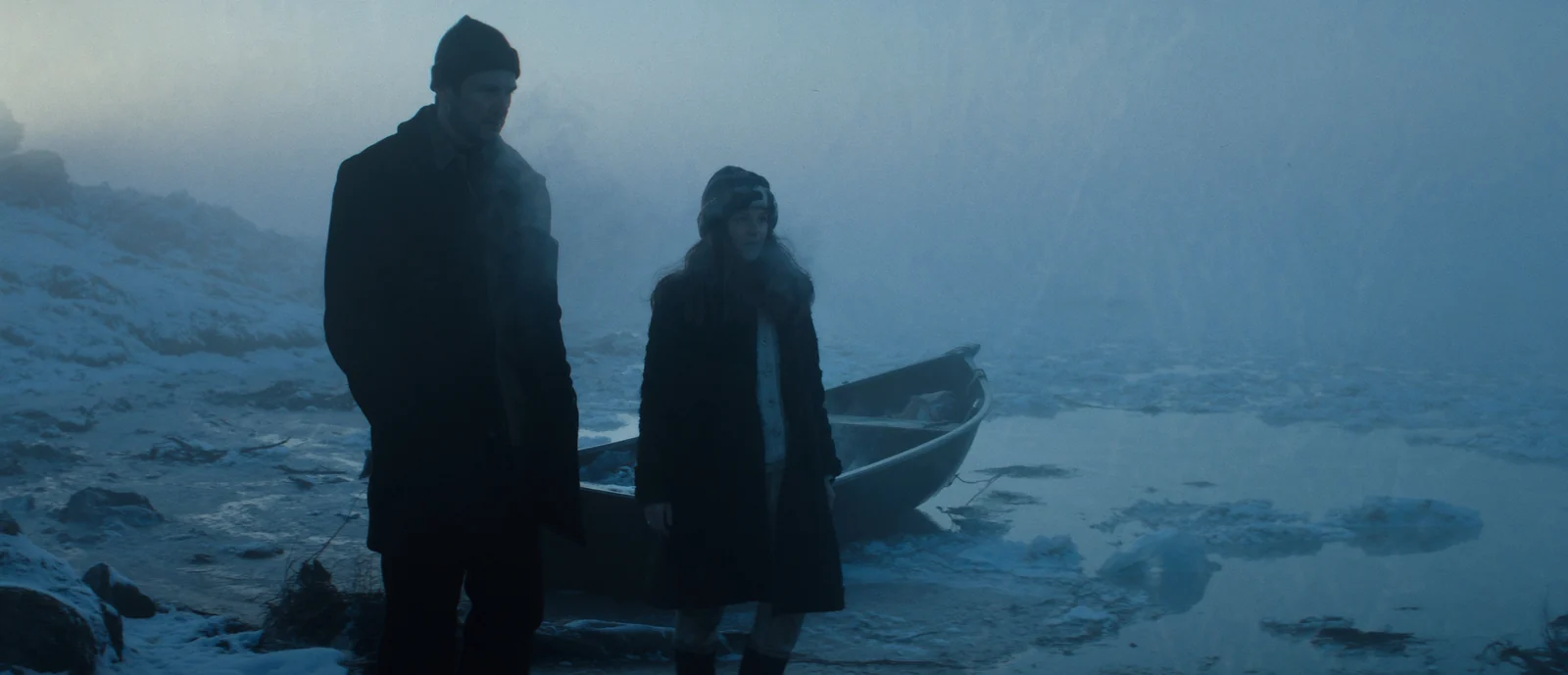
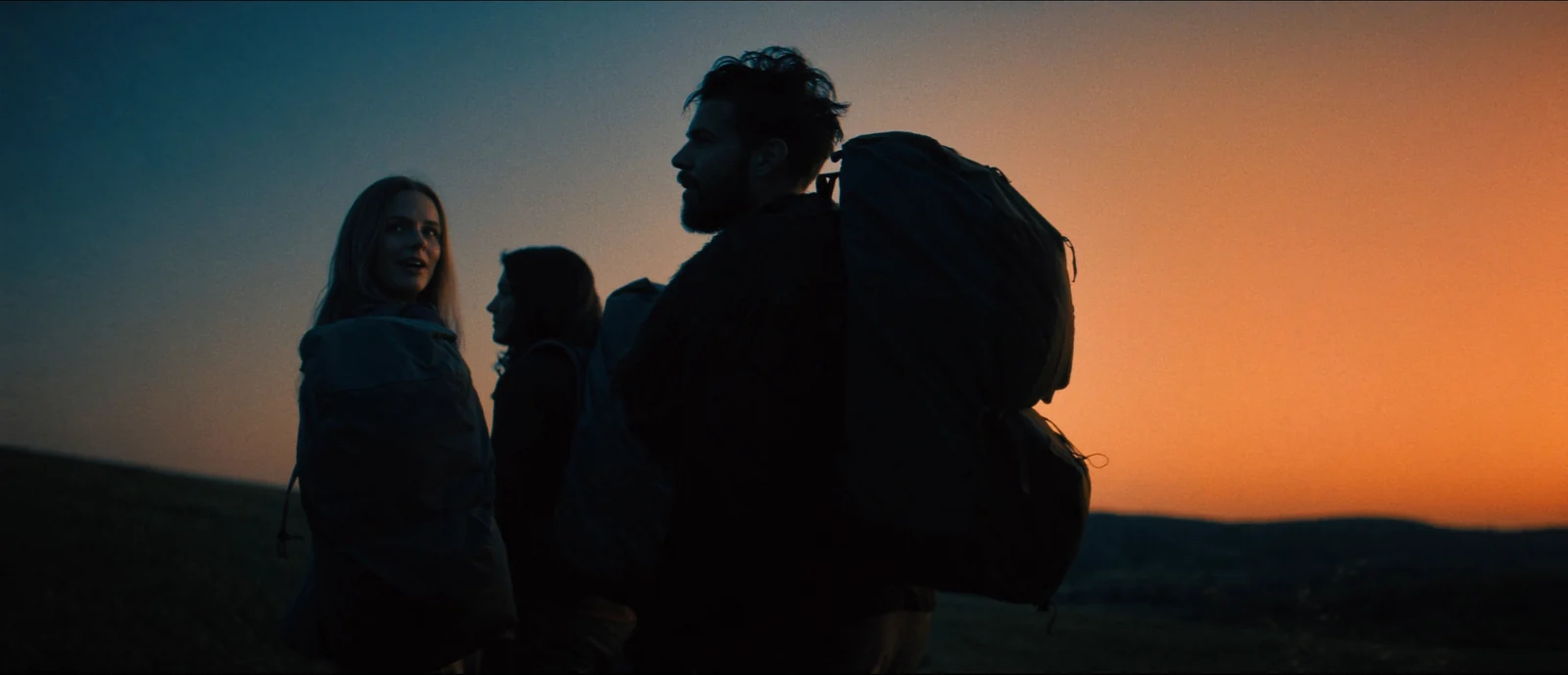
Ready film looks such as Cold Mist, Amber Night and Dusk Silhouette, each shown with its colours.
35 lighting setups
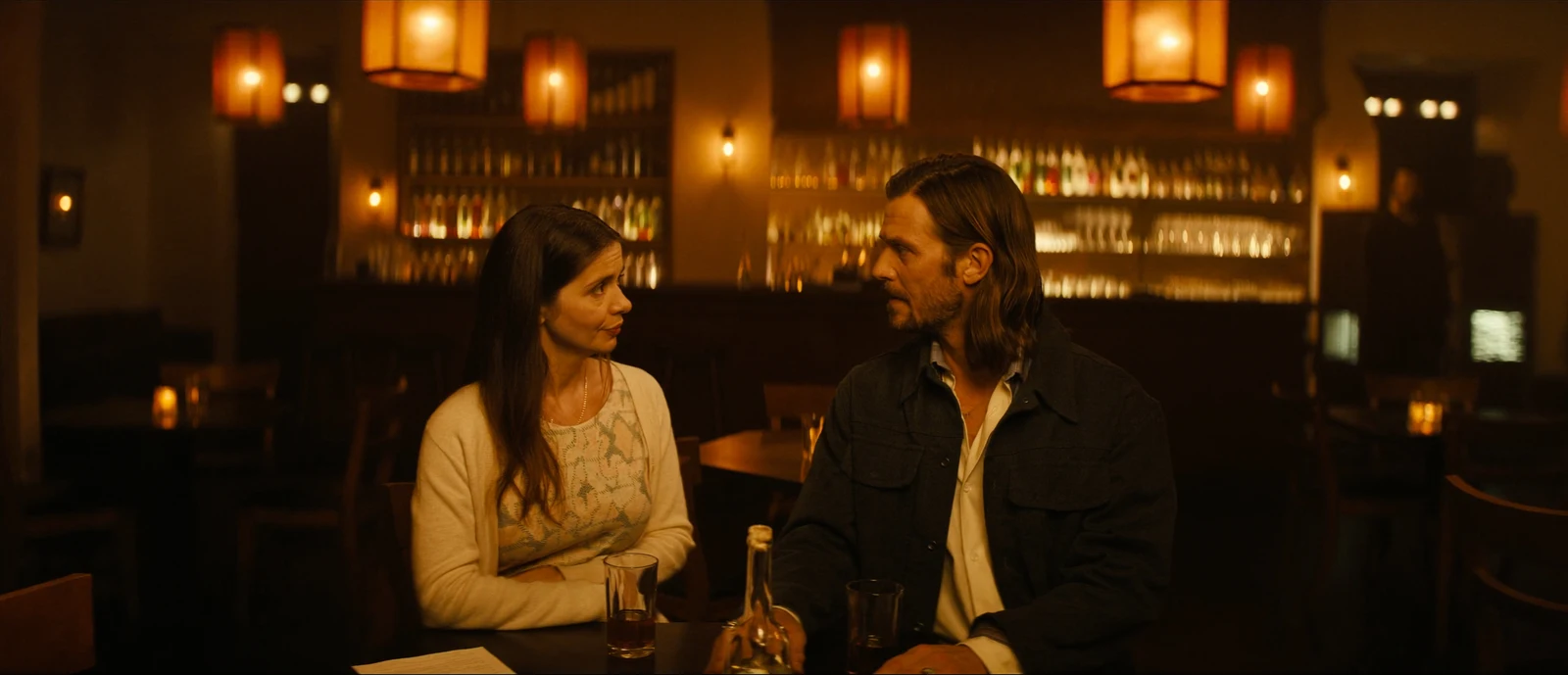
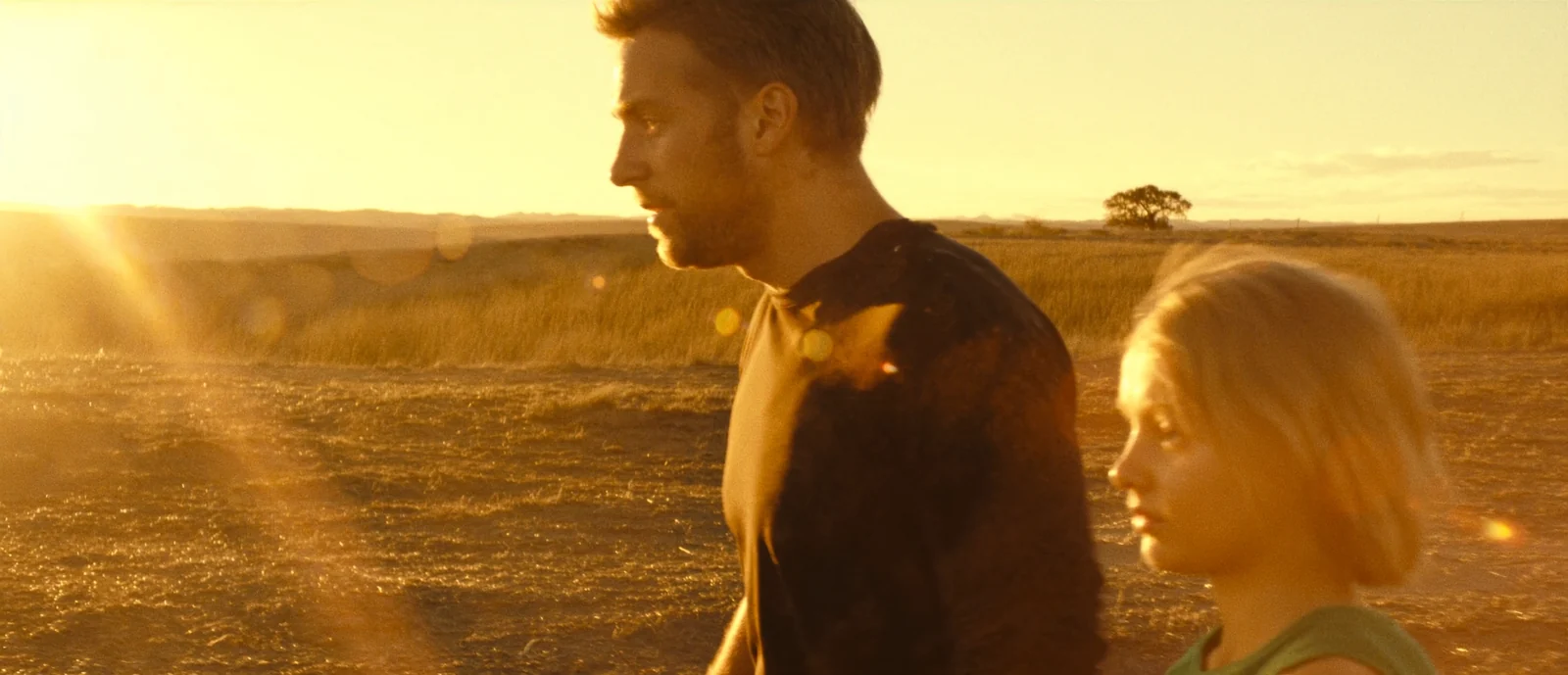
Grouped as portrait, quality, time of day, practical, pattern, color and motion lighting, each with a preview picture.
Film setup
12 genres (epic, drama, thriller, noir and comedy and more), the film’s era from the 1960s to the 2020s, and the tempo of the cut.
Your own references and elements
Add up to 12 reference files to a shot — pictures, and up to 3 videos and 3 sound files — and save your characters, locations and props as elements you can call by name in any shot.
Video and film stills
Videos of 5 to 15 seconds with sound, from 480p to 4K, in six aspect ratios from 21:9 to 9:16. Stills at 1080p or 4K in 16:9, 9:16 and 21:9.
Script mode
Upload a script as a PDF or a text file: Vision splits it into scenes and shots, shows the price of every part and films the parts you approve.
Projects
Keep the shots of a film together in projects and folders, with your generations, favourites and elements beside them.
How to use Vision
- Describe the sceneOne line about what happens is enough; pick Video or Image.
- Set the filmChoose the film setup, the camera, the colour palette and the lighting — or leave any of them on Auto.
- Add references (optional)Your own characters, locations and props, as pictures, videos or saved elements.
- GenerateThe price in credits is shown on the button before you start; the result lands in your project.
Vision examples
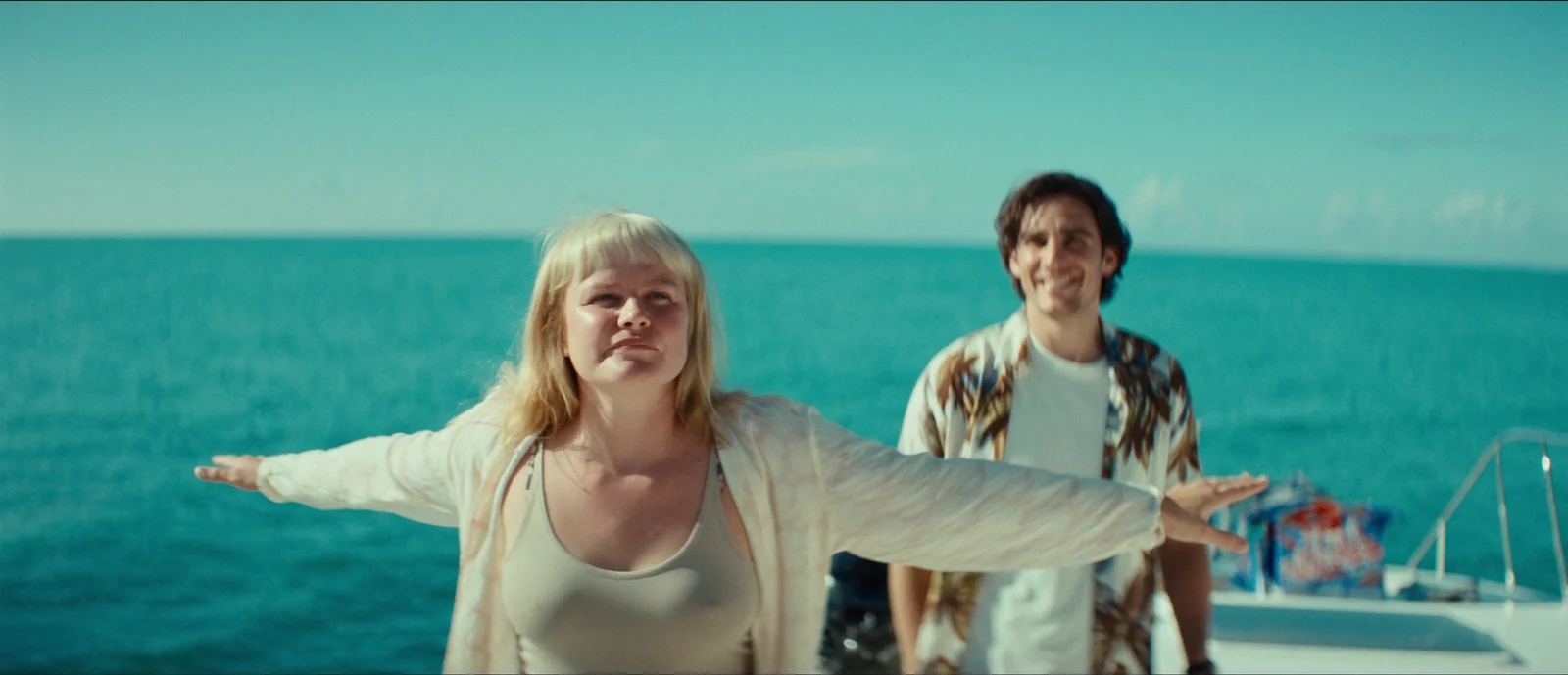
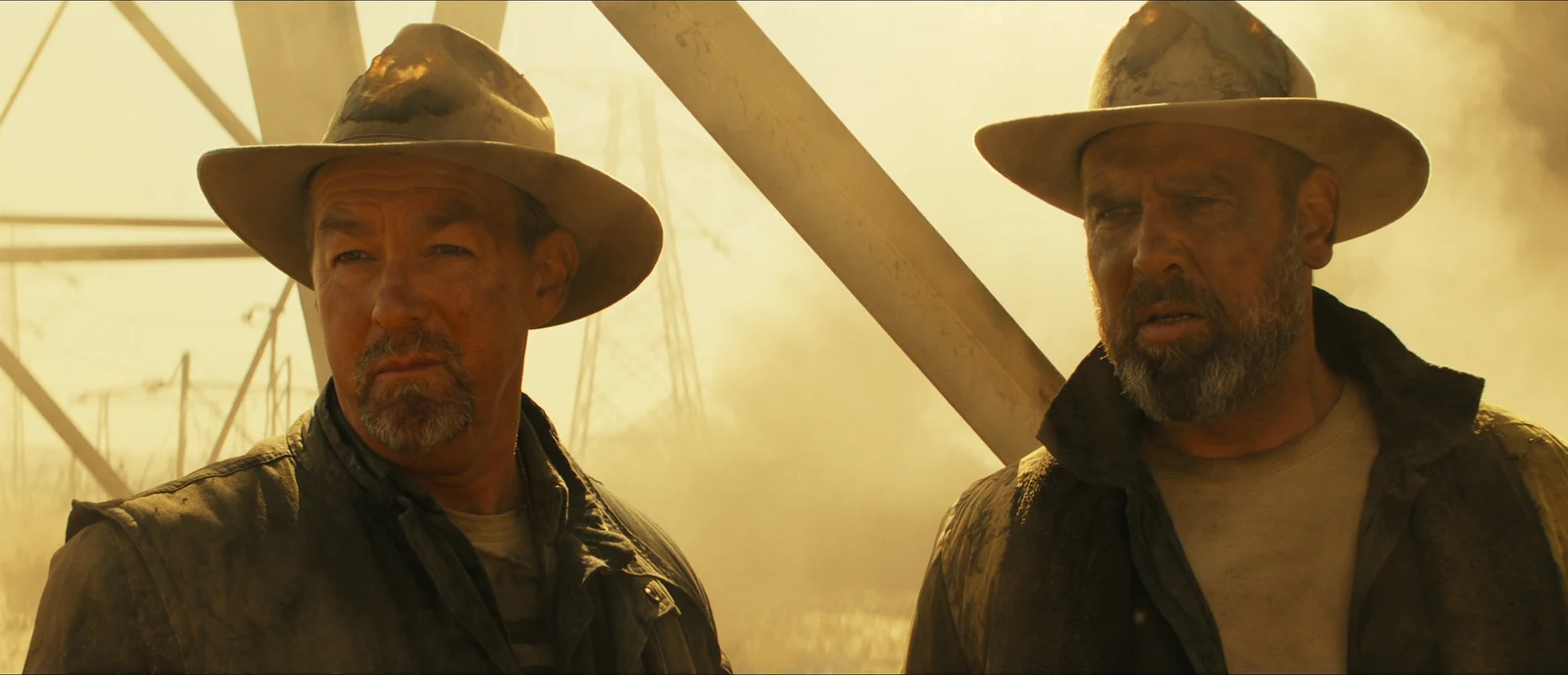
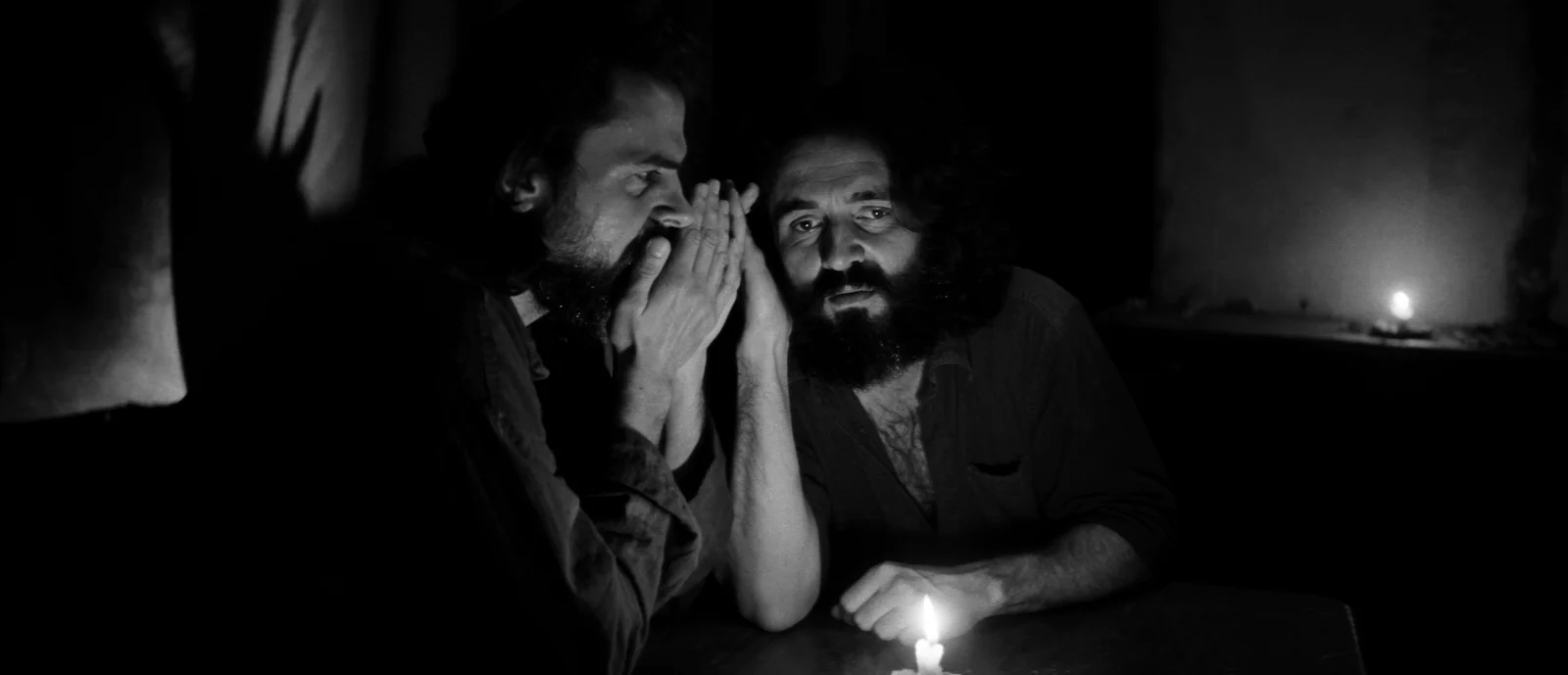
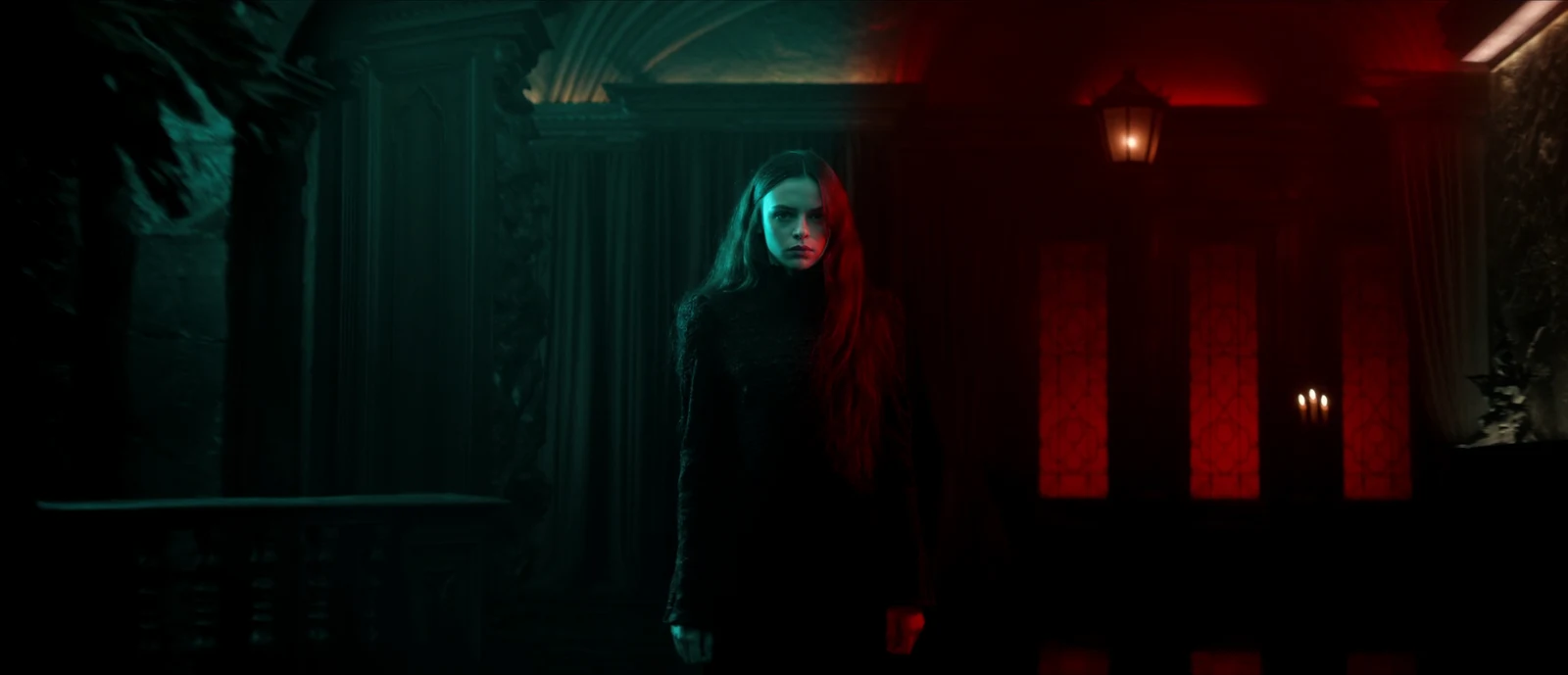
Vision pricing
- Every video and still uses credits, and the exact price is shown on the Generate button before you start. A video’s price follows its length and resolution.
- In Script mode you see the price of every part and the total, and nothing is made until you approve it.
- Credits come with a plan: pay only for what you create. Subscribers can top up anytime with one-time credit packs.
- Plans and credit packs are on the pricing page.
Vision FAQ
What is Vision?
Forgeborn’s AI filmmaking tool: you pick the film look, the camera, the lens, the camera move and the lighting, describe the scene in a line, and get an AI video with sound or a film still.
Do I need to write a long prompt?
No. A short description of what happens is enough; the look, the camera and the light come from the options you pick, and anything left on Auto is chosen for the scene.
Can I use my own characters and locations?
Yes. Add them to a shot as reference pictures or videos, or save them as elements (character, location or prop) and reuse them in every shot of a project.
How long can a Vision video be?
One shot is 5 to 15 seconds. For something longer, Script mode films a script as a series of parts.
Can Vision make still images?
Yes. Image mode makes film stills at 1080p or 4K in 16:9, 9:16 or 21:9, with the same camera, palette and lighting choices.
Can I turn a script into shots?
Yes. Upload the script as a PDF or a text file; Vision reads it into scenes and shots, shows the price, and films the parts you approve.
How much does it cost?
Each video and still uses credits from your plan or top-ups. The price depends on the length and resolution and is always shown before you generate.
Ready to try Vision?
Open Vision