
ShotLab by Forgeborn
ShotLab: plan the shot in 3D, then make the video
ShotLab turns a written shot idea into a 3D scene in your browser. You place the characters and props, set up the virtual camera — lens, focus and its path through the scene — and see the shot before you spend anything on video.
When the shot looks right, ShotLab makes an AI video from it and can send your shots straight to the ForgeCut editor.
What ShotLab does
Virtual camera
A real camera in the 3D scene: place it, aim it and look through it, with the picture ratio of your final video.
Lens and focus
Standard cinema lenses or any focal length, and the focus distance, so wide shots and close-ups look the way a real lens would draw them.
Camera paths
Moves made of keyframes along a path — push-ins, pans, orbits and tracking shots — that you can edit and replay.
Characters and scene
Build the scene from a description, then move, turn and resize the characters and objects yourself.
AI video from the shot
Turn the blocked-out shot into an AI video that follows your camera and layout.
Send to ForgeCut
Send your renders and AI videos to a new or an existing ForgeCut project, in order, ready to edit. Sending is free.
How to use ShotLab
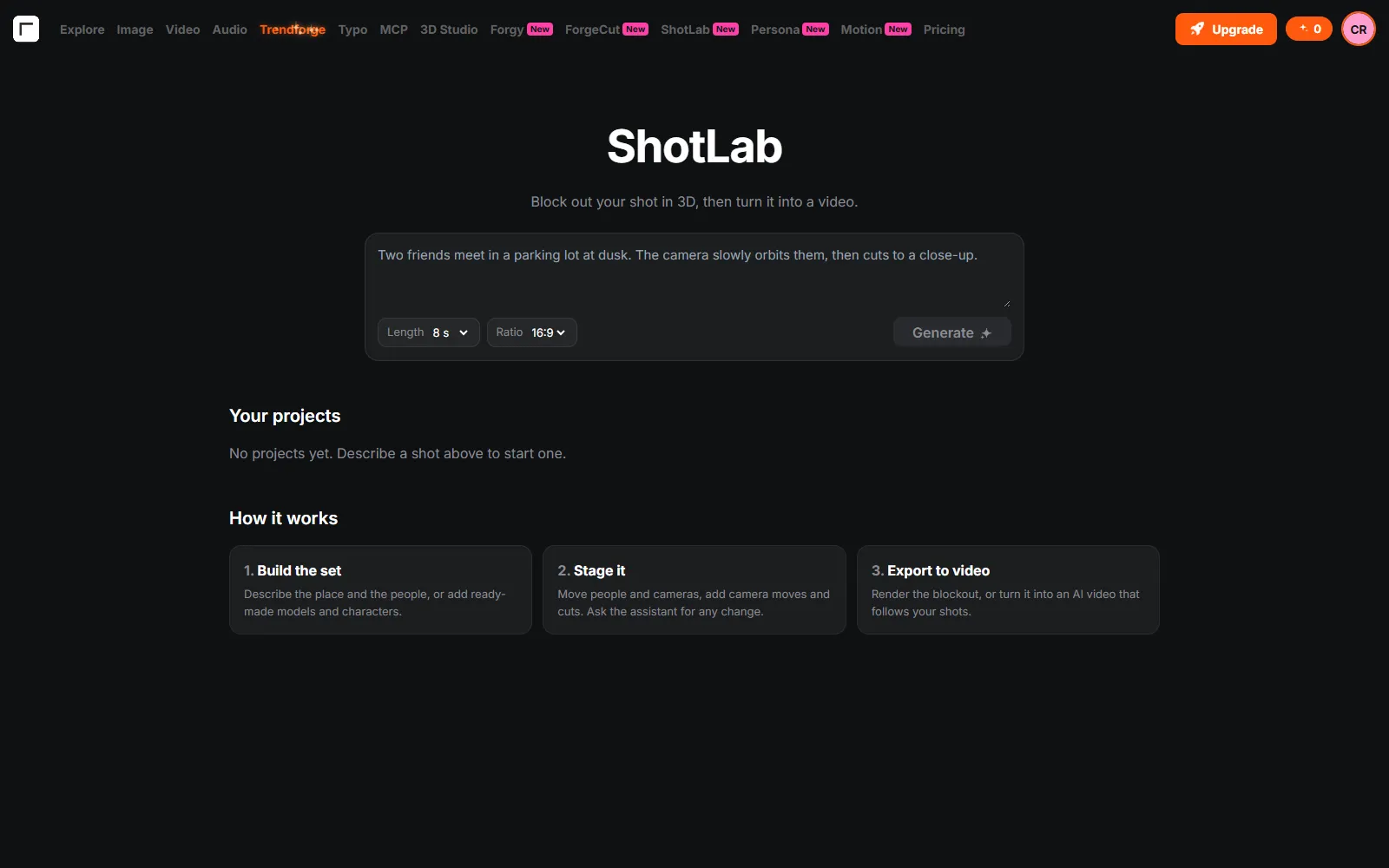
- Describe the shotWrite what happens, pick the length and the picture ratio.
- Stage itShotLab builds the scene in 3D. Adjust the characters, props, camera, lens and the camera path.
- Make the videoTurn the shot into an AI video; the price in credits is shown before you start.
- Edit itSend the result to ForgeCut and finish the edit there.
ShotLab pricing
- Building and adjusting the 3D scene and sending shots to ForgeCut are free.
- Assistant messages and AI videos use credits from your plan or a credit pack; the price is shown before anything paid runs.
- Plans and credit packs are on the pricing page.
ShotLab FAQ
What is ShotLab?
ShotLab is Forgeborn’s 3D shot planner: it turns a written shot into a 3D scene with a virtual camera you can direct, then into an AI video.
Can I control the camera?
Yes. You set the camera position, lens (focal length), focus and a keyframed camera path, and see the shot through the camera before making the video.
Do I need 3D software?
No. ShotLab runs in the browser; the scene is built from your description and you adjust it with the mouse.
How do I edit the result?
Use Send to ForgeCut: your shots go onto a ForgeCut timeline in order, in a new project or an existing one.
Is ShotLab free?
Planning the shot is free. AI videos and assistant messages use credits from your plan or a credit pack, and you see the cost before anything paid runs.
Ready to try ShotLab?
Open ShotLab